From paper to PDF
Start with the Scan shortcut to open the camera workflow, or choose Images to PDF when your starting point is a picture.
 PDF Easy.
Get the app
YOUR EVERYDAY PDF WORKSPACE
From the paper on your desk to the files on your phone. Bring scanning, PDF tools and your recent documents together with PDF Easy.
GET IT ONGoogle PlayFor Android • Contains ads
Take a look inside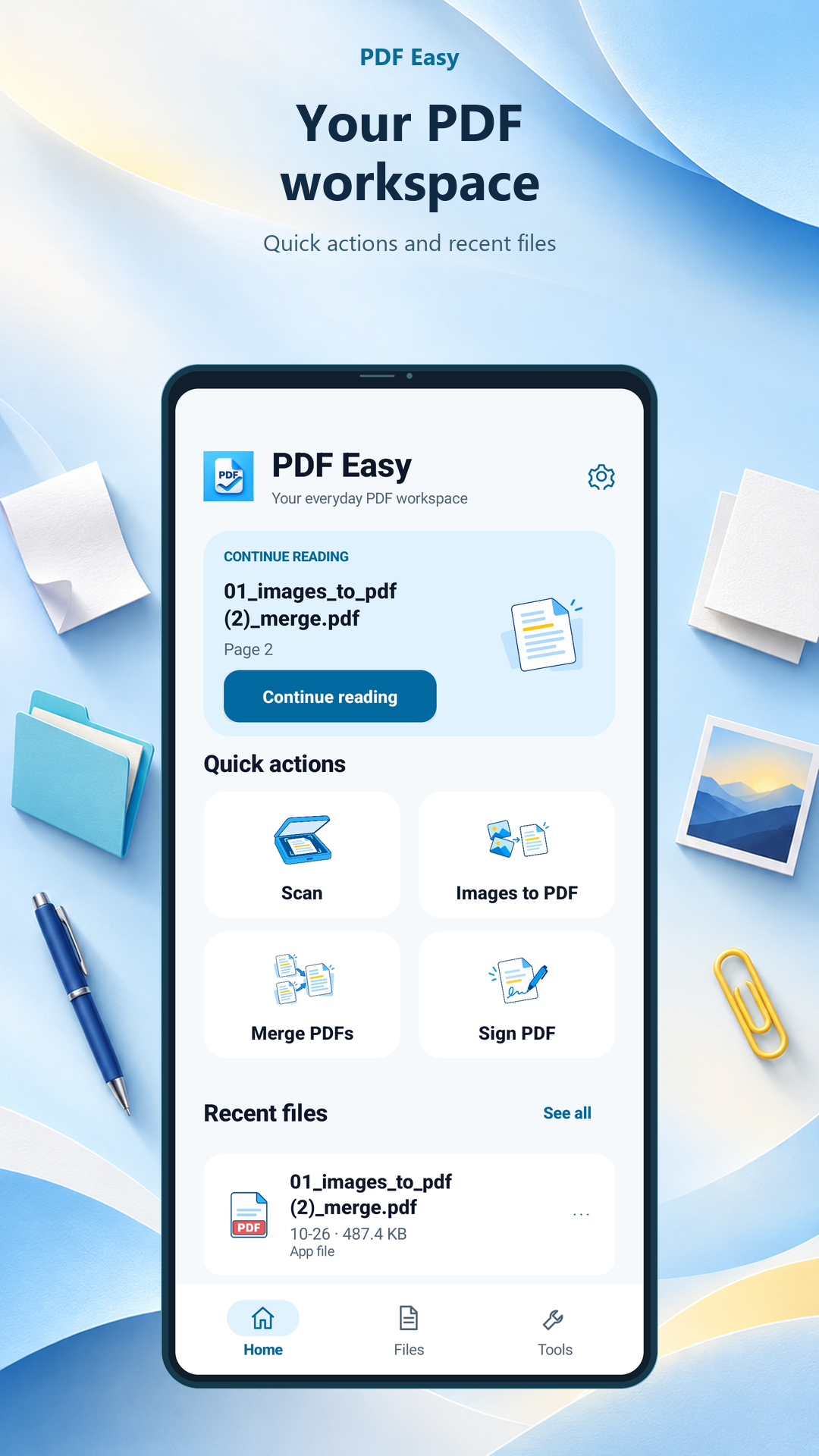
LESS SEARCHING. MORE DOING.
Pick up where you left off, find the file you need, or start something new. It all begins in one familiar workspace.
Start with the Scan shortcut to open the camera workflow, or choose Images to PDF when your starting point is a picture.
Search by name and browse PDF, Word, Excel, PPT and Ebook tabs. Return to a recent document from Home.
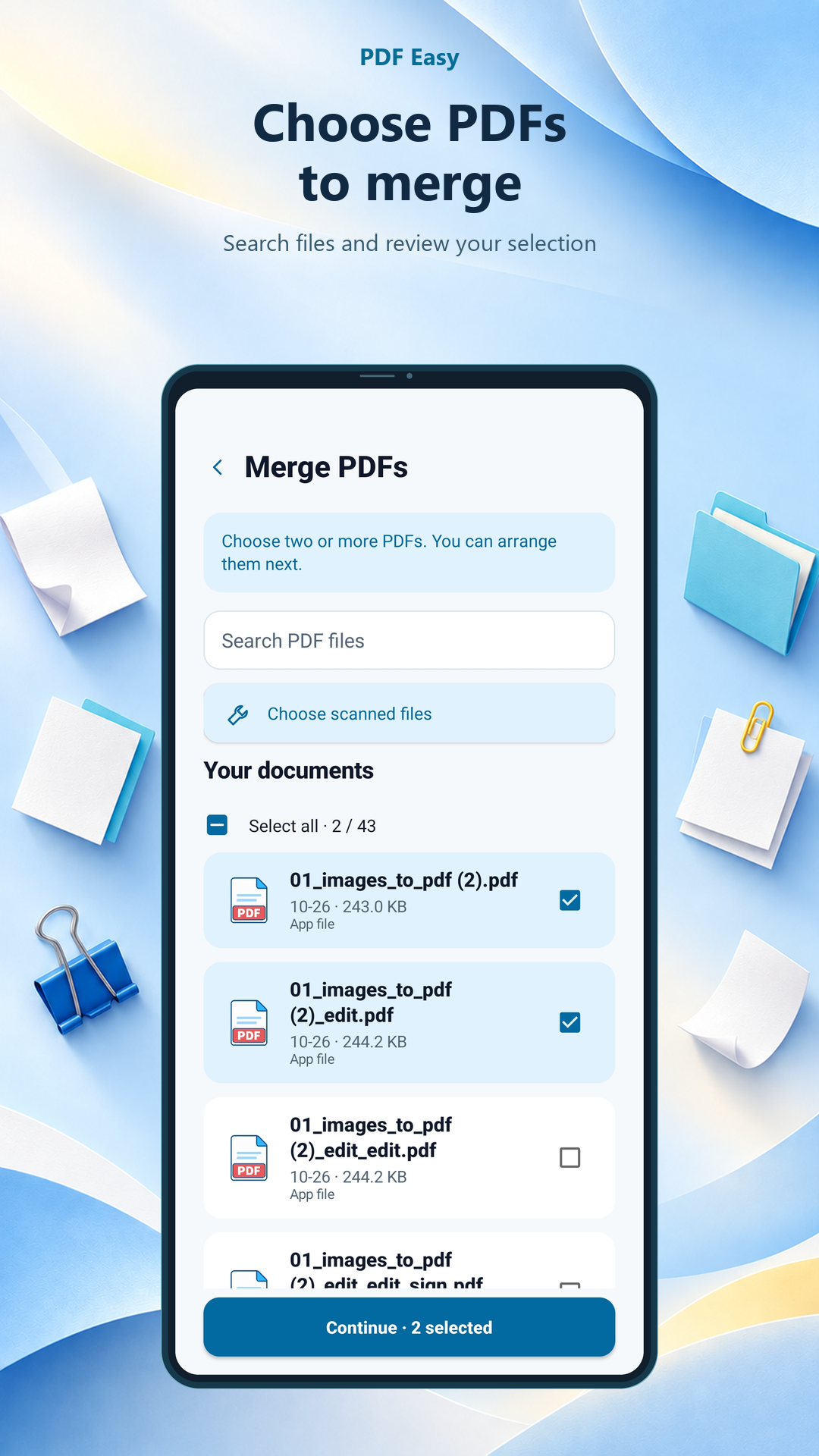
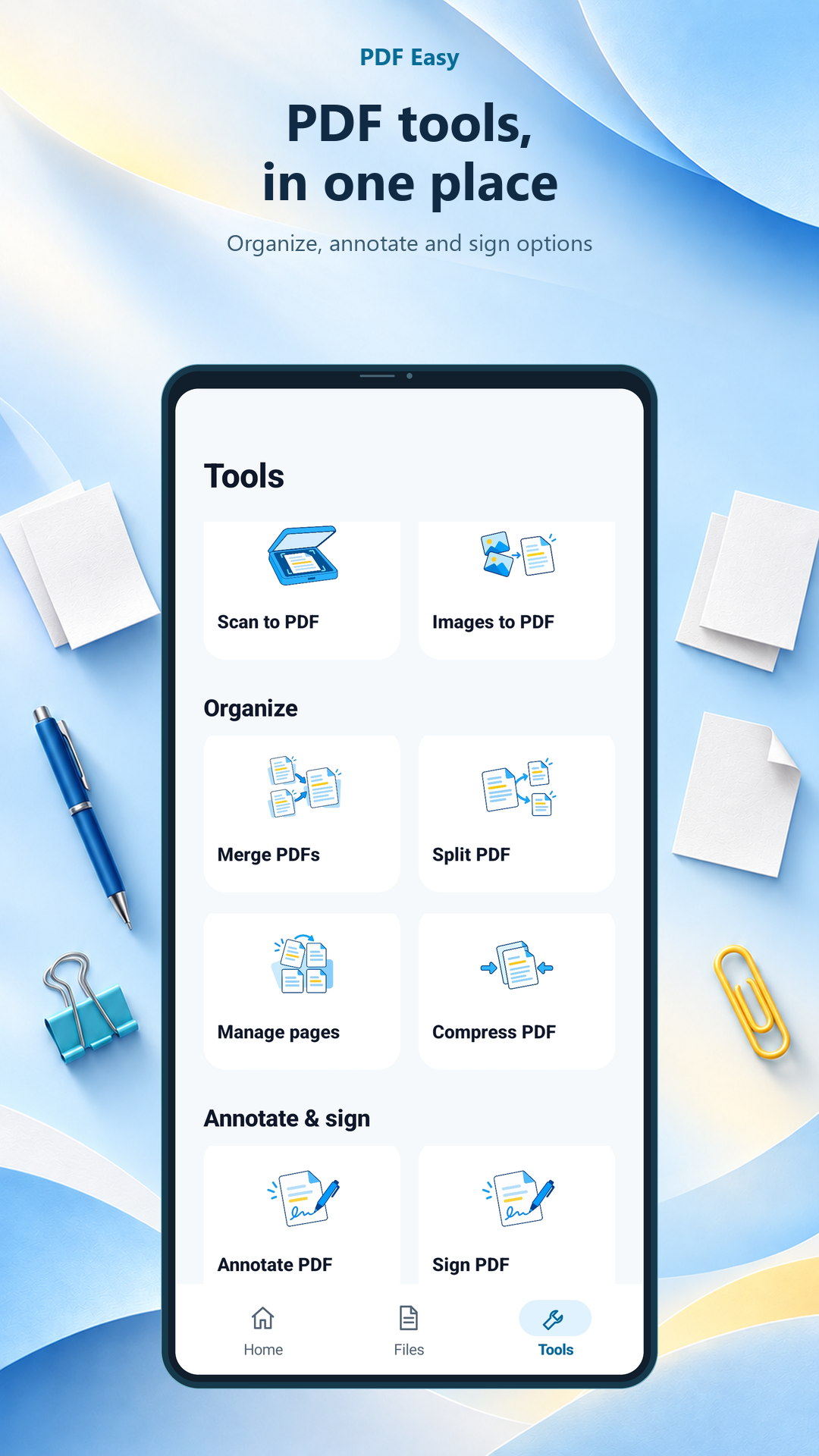
Search and select two or more PDFs to begin a merge. Explore Split PDF, Manage pages and Compress PDF in Tools.
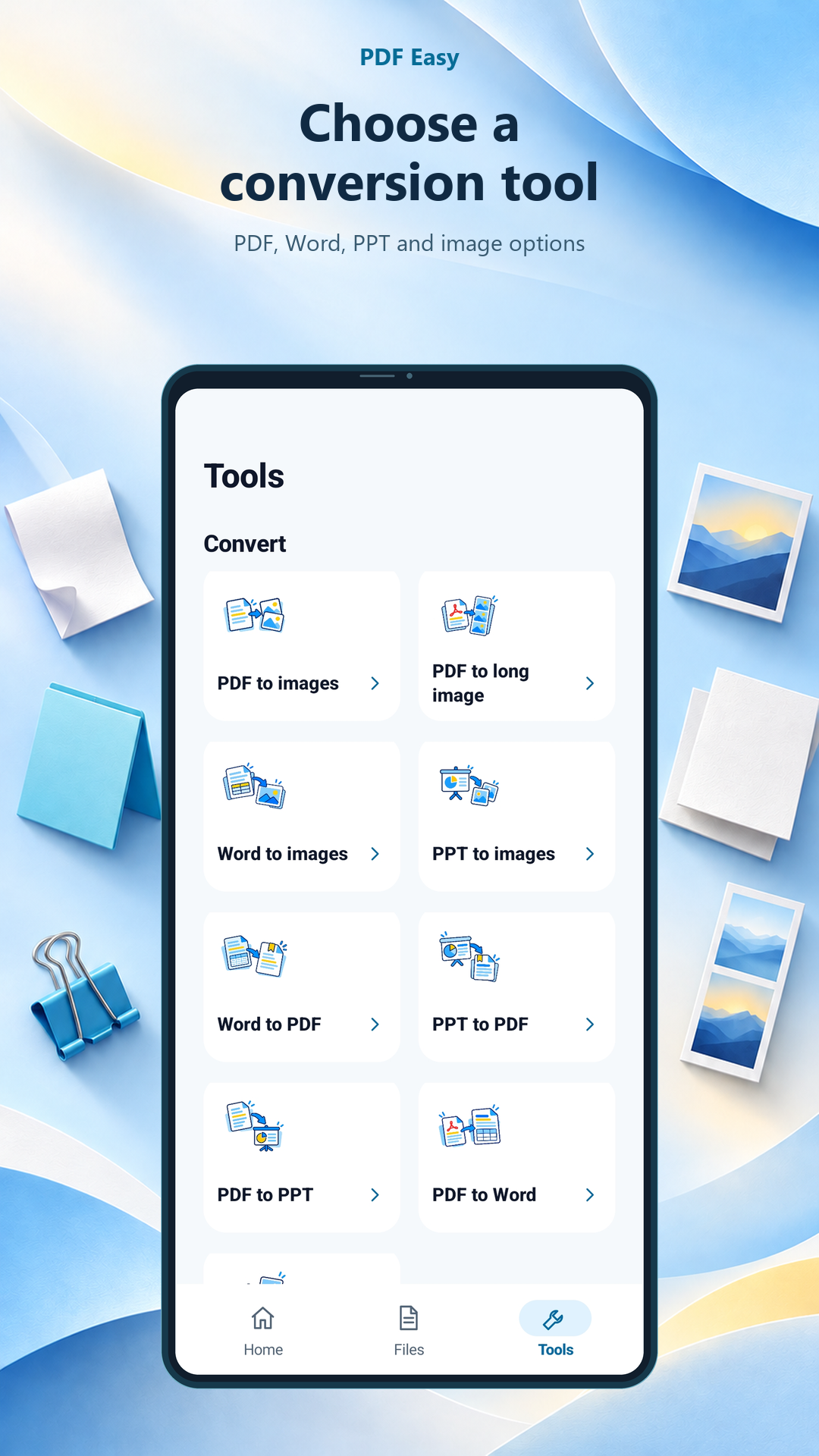
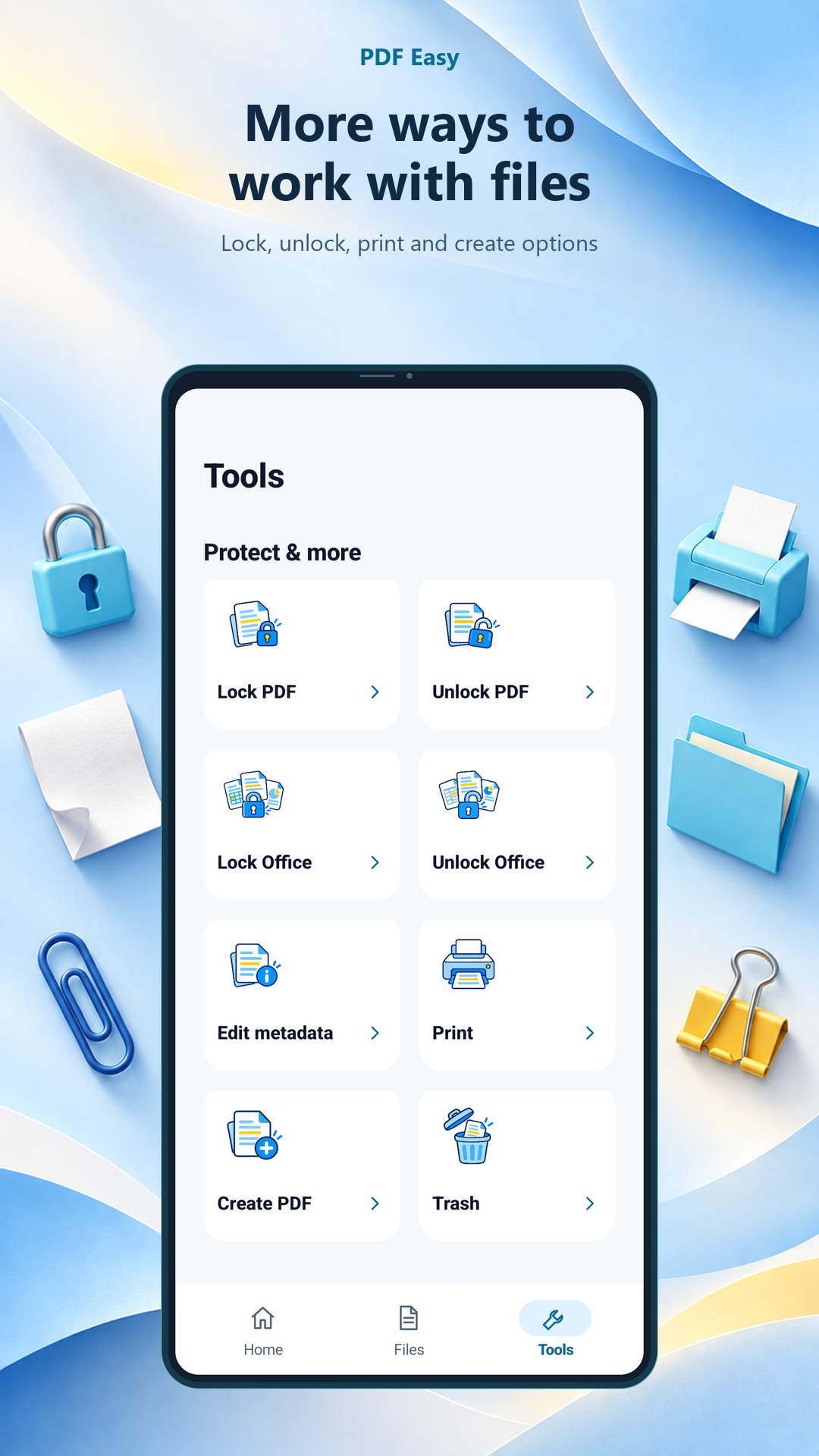
Browse conversion options, annotation and signing entries, plus document protection, printing and more.
FAMILIAR FROM THE FIRST TAP
Home, Files and Tools.
Your documents have a place to land.
Swipe or scroll to explore · Select an image to enlarge
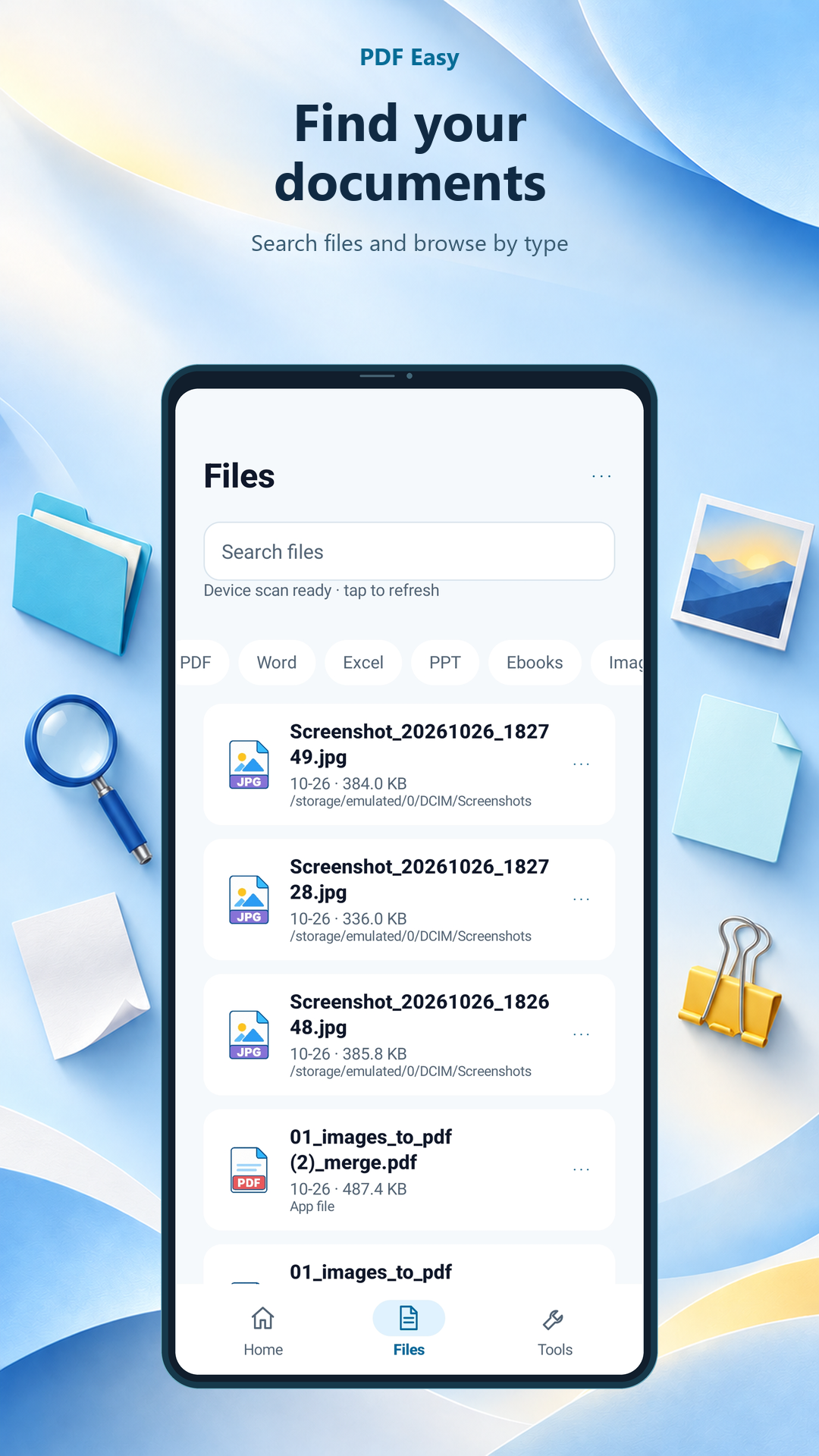
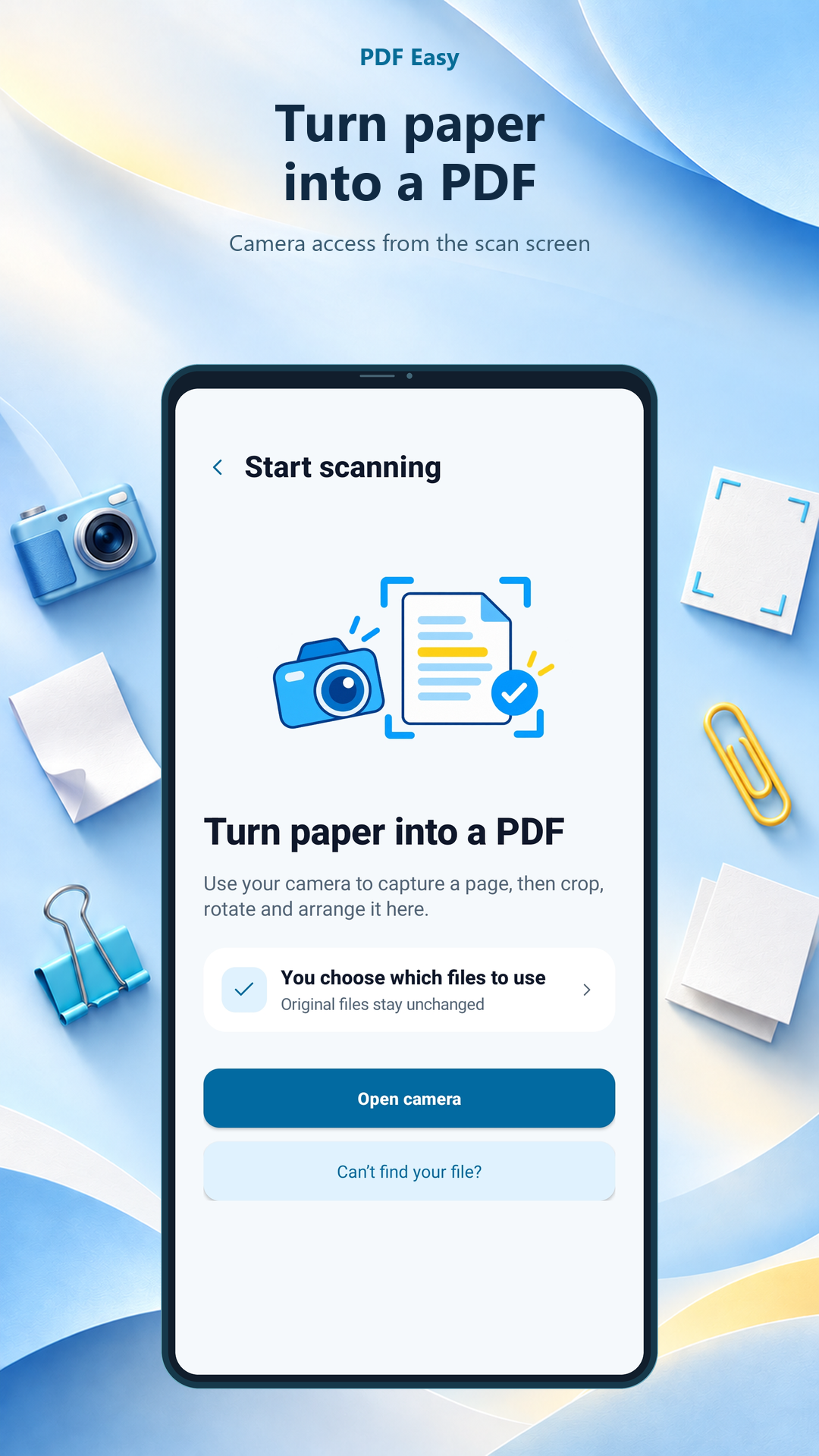
Screenshots from the PDF Easy Google Play listing.
PDF Easy brings recent documents, file browsing and document tool options together. Start with Scan, Images to PDF or Merge PDFs, or browse the grouped options in Tools.
PDF Easy is available for Android through Google Play. Check the listing for device availability and the latest app details. The app contains ads.
Read the developer’s Privacy Policy and the Google Play Data safety information for details on data practices.
Contact KIJO BAJINDUL at [email protected]. Include your device model and a description of the issue so the developer can help.
YOUR NEXT DOCUMENT STARTS HERE
PDF Easy for Android · Contains ads